Bee-Utiful - FTU
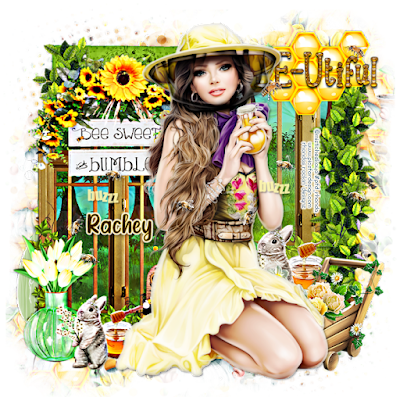
Ok Let's get Started:Open cluster 2 from packDuplicate and resize to fit your tag (I like my tags 700x700)Add new rater layer under cluster and fill with whiteOpen embellishment 2 and place to left side of tagResize to fit cluster and erase any leftoversUsing embellishment 2 apply behind frame layerAgain, erase any leftovers you may haveI used the bees layer from my tube and applied to tagApply your tube to tag
Save your tag and label so you can find laterI have started leaving my layers open
For mask open embellishment 3 and apply behind tagUsing Mura Meister wallpaper filter create a paperDuplicate paper so you can use againApply mask #7 and move to top leftDuplicate and move to bottom rightApply mask #8 and move to top right cornerDuplicate and move to bottom left corner
Place your name where you like itAdd the Copyright and your License Number for the tubeResize to your liking and save as PNGThis tutorial was created on July 19,2022 by RhondaAny resemblance to another Tag or Tutorial is purely coincidental


No comments:
Post a Comment