Monday, May 31, 2021

This tutorial is written for those with knowledge of PSP
Supplies Needed:
Tube of choice: I'm using the wonderful art work of Alicia Mujica
Tube was purchased at her store HERE
PTU kit by Karmalized Scraps
Kit can be purchased at CDO HERE
Mask of choice
Ok Lets get Started:
Open blank canvas 700x700
Open frame 2 and place to center
Apply paper of choice under frame
Apply element 29 under frame
Place tube to canvas and start building tag
Use any elements of choice. I used the following:
Element 1
Element 2
Element 3
Element 4
Element 10
Element 11
Element 12
Element 19
Element 21
Element 24
Element 25
Element 28
Spray 1&3
WordArt
Merge layers and add mask of choice
Place your name where you like it
Add the Copyright and your License Number for the tube
Resize to your liking and save as PNG
This tutorial was created on May 31,2021 by Rhonda
Any resemblance to another Tag or Tutorial is purely coincidental

Used an exclusive kit from TTL shoppe


This tutorial is written for those with knowledge of PSP
Supplies Needed:
Tube of choice: I'm using the wonderful art work of Very Many
Tube was purchased at their store HERE
PTU kit by Happy Pumpkin Studio called Melon Fantasy
Kit purchased from PFD HERE
Template 872 by Millie HERE
Mask of choice
Ok Lets get Started:
Open template - Shift D to duplicate and close original
Increase canvas to 700x700
I deleted all my layers except 1,2 &3
Click on layers 2&3
Select all, selctions float, selections defloat
Open paper 13 and paste as new layer
Move paper around so light side is inside marching dots
Selections invert delete
Open tube and paste inside each template layer
Resize tube to fit inside template
Select all, selections float, selections defloat
When tube is where you desire
Selections invert delete
Effects Xero Filter Radiance with settings of choice
Look to right on your PSP for layers (I still use 7)
Change blend mode to Screen
After this is completed I made a border around the template
On template 1 use any paper from kit and add same border
Place tube to left and start building tag
Use any elements of choice. I used the following:
Element 1
Element 15
Element 16
Element 17
Element 47
Element 52
Element 62
Element 68
Element 73
Element 76
Element 83
Element 91
Element 94
Element 105
Frame 4
Open element 20 and paste to back
Using MuraMeister Copies Encircle plugin make frame
Merge layers and add mask of choice
Place your name where you like it
Add the Copyright and your License Number for the tube
Resize to your liking and save as PNG
This tutorial was created on May 14,2021 by Rhonda
Any resemblance to another Tag or Tutorial is purely coincidental

This tutorial is written for those with knowledge of PSP
Supplies Needed:
Tube of choice: I'm using the wonderful art work of VeryMany
Tube was purchased at their store HERE
PTU kit by Dreaming With Bella called Enjoying Life
Kit can be purchased at her store HERE
Mask of choice
Ok Lets get Started:
Open blank canvas 700x700
Place tube to canvas and start building tag
Use any elements of choice. I used the following:
Element 1
Element 38
Element 44
Element 45
Element 48
Element 52
Element 59
Element 64
Element 66
Element 75
Element 79
Element 80
Element 87
Element 88
Element 90
Element 100
Element 103
Element 106
Element 109
Element 125
Element 128
Element 131
Element 138
Element 140
Element 141
Element 144
Element 146
Element 149
Merge layers and add mask of choice
Place your name where you like it
Add the Copyright and your License Number for the tube
Resize to your liking and save as PNG
This tutorial was created on May 28,2021 by Rhonda
Any resemblance to another Tag or Tutorial is purely coincidental

This tutorial is written for those with knowledge of PSP
Supplies Needed:
Tube of choice: I'm using the wonderful art work of Laguna
Tube was purchased at PFD HERE
PTU kit by Designz By Anorie called Butterfly Queen
Kit can also be purchased at one of her stores HERE
Mask of choice
Ok Lets get Started:
Open blank canvas 700x700
Open element 72 and place to center
Place tube to canvas and start building tag
Use any elements of choice. I used the following:
Element 2
Element 3
Element 5
Element 7
Element 10
Element 12
Element 18
Element 20
Element 31
Element 37
Element 40
Element 43
Element 44
Element 45
Element 47
Element 57
Element 58
Element 61
Element 71
Merge layers and add mask of choice
Place your name where you like it
Add the Copyright and your License Number for the tube
Resize to your liking and save as PNG
This tutorial was created on May 30,2021 by Rhonda
Any resemblance to another Tag or Tutorial is purely coincidental

This tutorial is written for those with knowledge of PSP
Supplies Needed:
Tube of choice: I'm using the wonderful art work of Attila
Tube was included in kit when purchased
PTU kit by Dreaming With Bella called Enjoying Garden
Kit can be purchased at her store HERE
Make sure you sign-up for newsletter so you can catch her great deals!!!!!!!!!!
Mask of choice
Ok Lets get Started:
Open blank canvas 700x700
Place tube and start building tag
Use any elements of choice. I used the following:
Element 2
Element 3
Element 4
Element 9
Element 11
Element 13
Element 14
Element 16
Element 18
Element 19
Element 24
Element 27
Element 29
Element 31
Element 39
Element 40
Element 46
Element 108
Element 122
Element 131
Element 136
Element 137
Element 152
Element 153
Merge layers and add mask of choice
I added a mask then used mask 1 from kit on top
Place your name where you like it
Add the Copyright and your License Number for the tube
Resize to your liking and save as PNG
This tutorial was created on May 25,2021 by Rhonda
Any resemblance to another Tag or Tutorial is purely coincidental

This tutorial is written for those with knowledge of PSP
Supplies Needed:
Tube of choice: I'm using the wonderful art work of Alehandra_Vanhek
Tube was purchased at PFD HERE
PTU Apple Cluster Blossom set by Raspberry Road Design
Cluster set can be purchased at the store HERE
Mask of choice
Ok Lets get Started:
Open blank canvas 700x700
Place tube to canvas
Open all clusters from set and resize 20%
You will need to resize more when used on tag
Place clusters as desired on tag
Merge layers and add mask of choice
Place your name where you like it
Add the Copyright and your License Number for the tube
Resize to your liking and save as PNG
This tutorial was created on May 27,2021 by Rhonda
Any resemblance to another Tag or Tutorial is purely coincidental
Saturday, May 29, 2021


This tutorial is written for those with knowledge of PSP
Supplies Needed:
Tube of choice: I'm using the wonderful art work of Elias Chatzoudis
Tube was purchased at CDO HERE
PTU kit by Gimptastic called Life Happems Chocolate Helps
Kit can also be purchased at CDO HERE
Mask of choice
Ok Lets get Started:
Open blank canvas 700x700
Open frame 1 and place to center
Add paper of choice under frame
Place tube to canvas and start building tag
Use any elements of choice. I used the following:
Element 1
Element 2
Element 3
Element 4
Element 6
Element 7
Element 8
Element 9
Element 12
Element 13
Element 14
Element 17
Element 18
Element 19
Element 20
Element 21
Element 22
Word Art
Merge layers and add mask of choice
Place your name where you like it
Add the Copyright and your License Number for the tube
Resize to your liking and save as PNG
This tutorial was created on May 29,2021 by Rhonda
Any resemblance to another Tag or Tutorial is purely coincidental
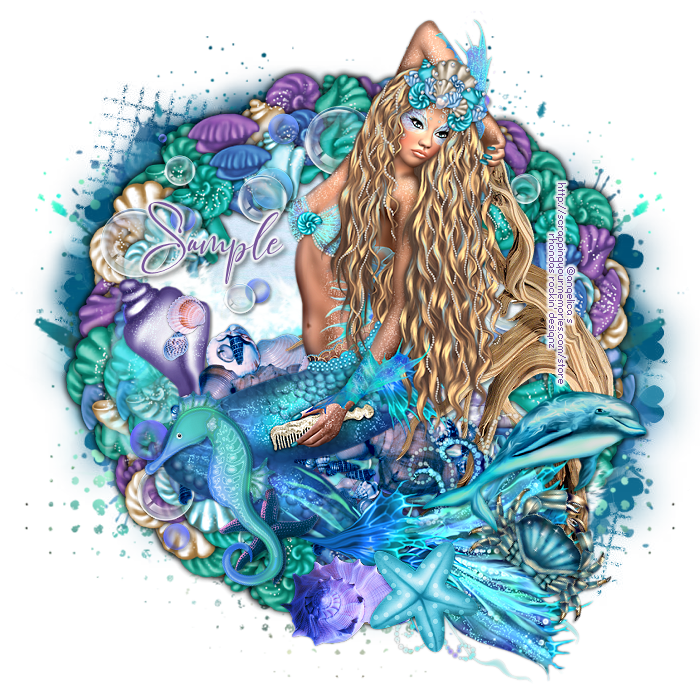
This tutorial is written for those with knowledge of PSP
Supplies Needed:
Tube of choice: I'm using the wonderful art work of Angelica S
Tube was included in this kit
FTU kit by Designz By Shelly HERE
Mask of choice
Ok Lets get Started:
Open blank canvas 700x700
Open frames 1&2 and place on top of each other
Click inside with magic wand and expand by 15
Add new layer under frames and paste paper of choice
Place tube to canvas and start building tag
Use any elements of choice. I used the following:
Element 7
Element 8
Element 9
Element 37
Element 39
Element 40
Element 107
Element 112
Element 115
Merge layers and add mask of choice
Place your name where you like it
Add the Copyright and your License Number for the tube
Resize to your liking and save as PNG
This tutorial was created on May 29,2021 by Rhonda
Any resemblance to another Tag or Tutorial is purely coincidental

Thursday, May 27, 2021
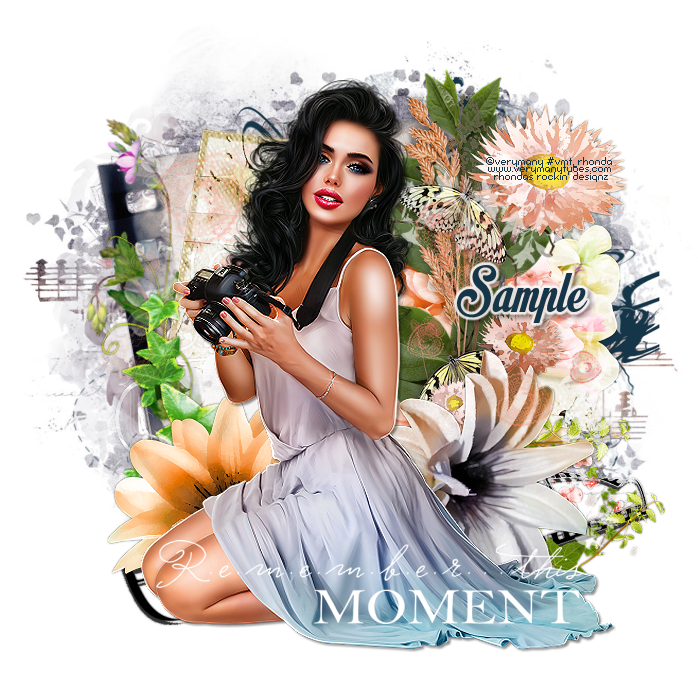
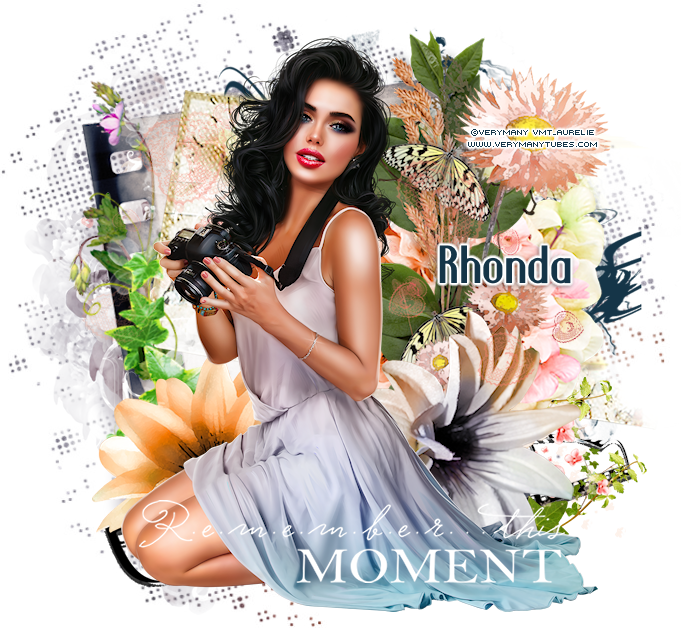
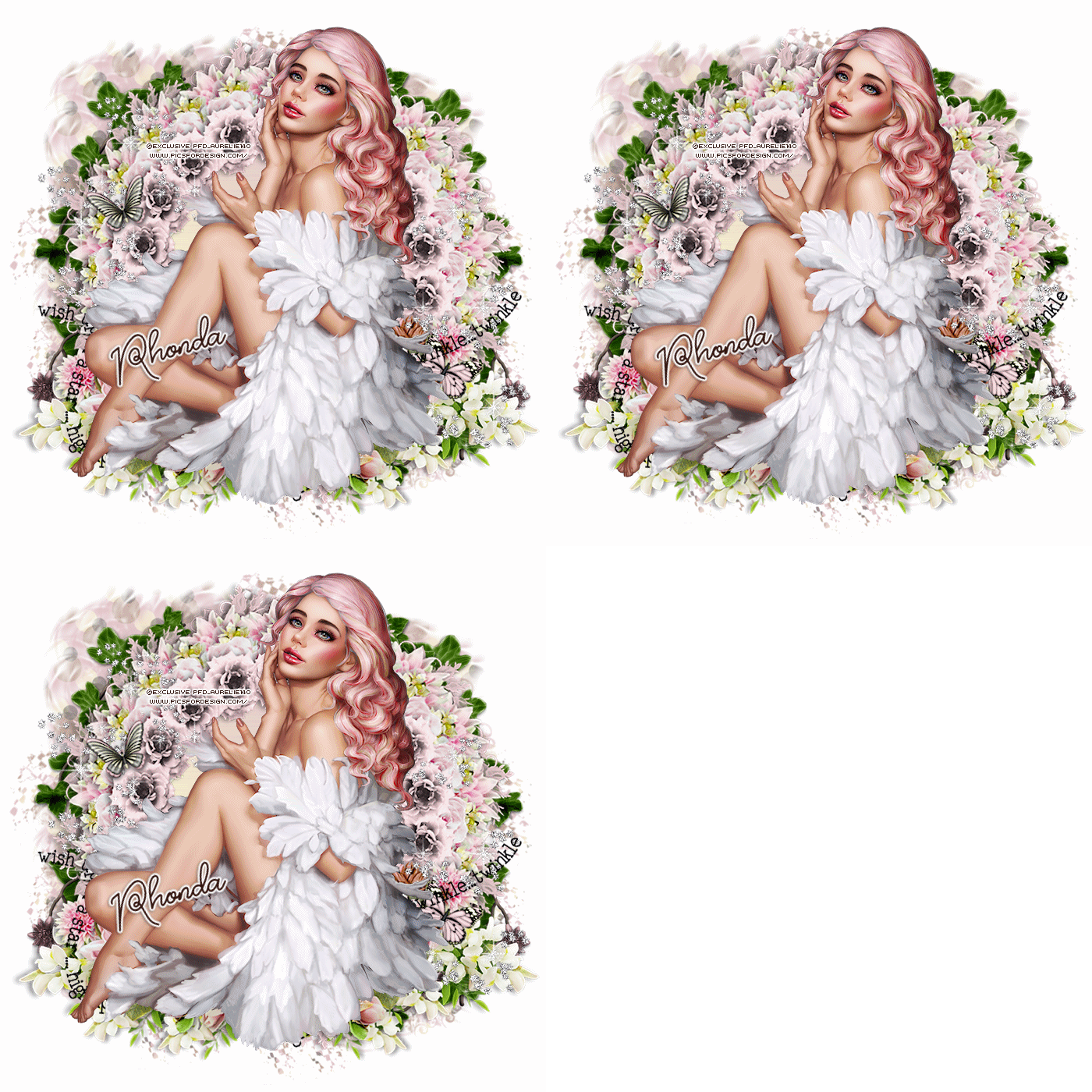
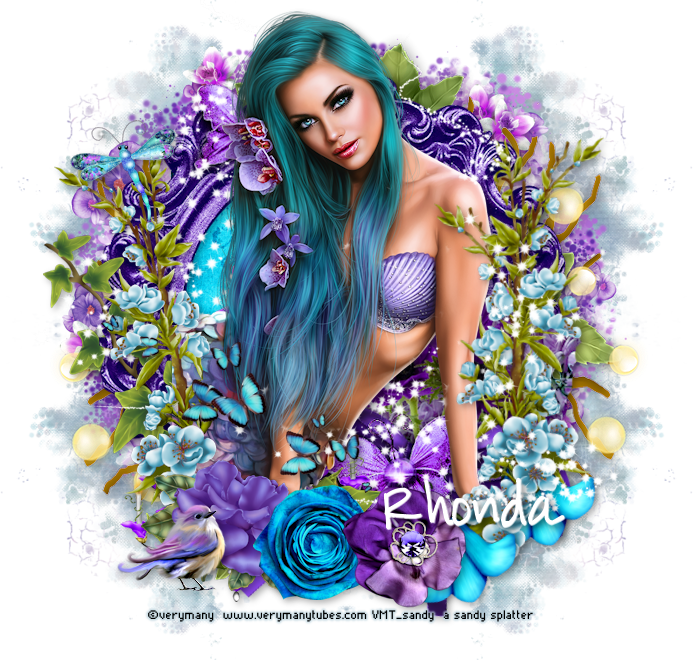
This tutorial is written for those with knowledge of PSP
Supplies Needed:
Tube of choice: I'm using the wonderful art work of VeryMany
Tube was purchased at their store HERE
FTU kit by Angels Design HERE
Mask of choice
Ok Lets get Started:
Open blank canvas 700x700
Open element 98 and place to center (resize)
Place tube to canvas and start building tag
Use any elements of choice. I used the following:
Element 4
Element 40
Element 63
Element 64
Element 71
Element 77
Element 79
Element 80
Element 84
Element 85
Element 87
Element 90
Element 94
Element 108
Element 109
Element 111
Merge layers and add mask of choice
Place your name where you like it
Add the Copyright and your License Number for the tube
Resize to your liking and save as PNG
This tutorial was created on May 27,2021 by Rhonda
Any resemblance to another Tag or Tutorial is purely coincidental
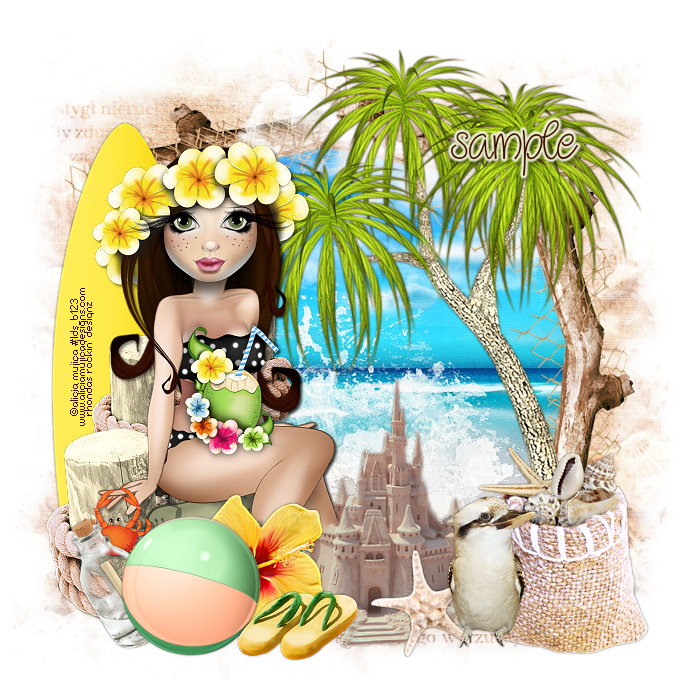
This tutorial is written for those with knowledge of PSP
Supplies Needed:
Tube of choice: I'm using the wonderful art work of Alicia Mujica
Tube was purchased at store HERE
FTU kit by Irish Princess Designs HERE
Mask of choice
Ok Lets get Started:
Open blank canvas 700x700
Open element 16 and place to center
Using freehand tool drw around frame
Open new layer under frame
Select paper and paste into selection
Place tube to canvas and start building tag
Use any elements of choice. I used the following:
Element 1
Element 3
Element 4
Element 5
Element 15
Element 21
Element 25
Element 26
Element 28
Element 33
Element 34
Element 37
Element 38
Merge layers and add mask of choice
Place your name where you like it
Add the Copyright and your License Number for the tube
Resize to your liking and save as PNG
This tutorial was created on May 27,2021 by Rhonda
Any resemblance to another Tag or Tutorial is purely coincidental
Tuesday, May 25, 2021
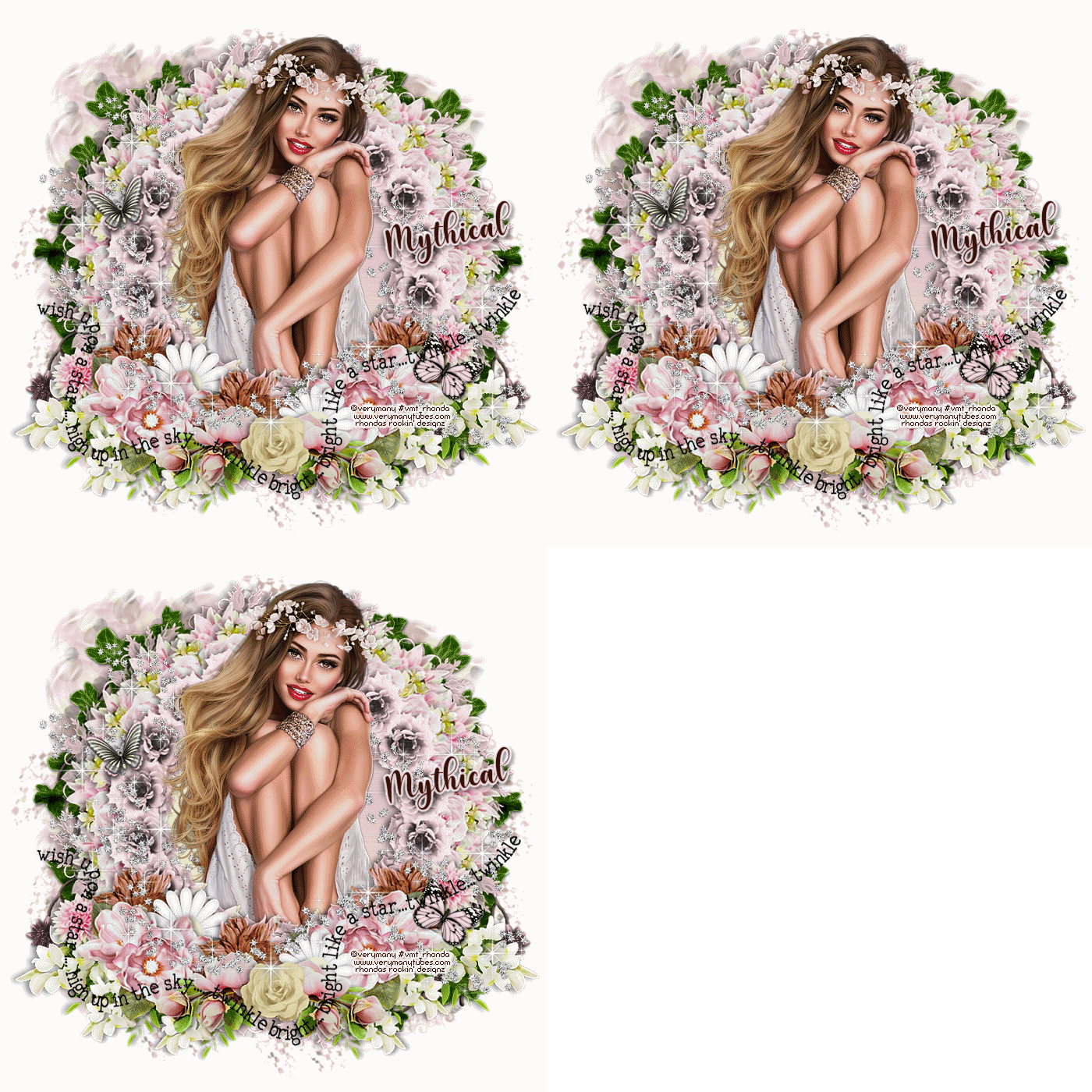
Supplies Needed:
Tube of choice: I'm using the wonderful art work of VeryMany
Tube was purchased at their store HERE
FTU kit by Mythical Designz HERE
I also used Cluster frame which is posted on thread
Word Art by by Kissing Kate HERE
Mask #2 from kit
Ok Lets get Started:
Open blank canvas 700x700
Copy and paste cluster into canvas and resize
Place tube and start building tag
Use any elements of choice. I used the following:
Element 2
Element 16
Element 18
Element 25
Merge layers and apply mask
For the animation I duplicated element2 3x's
Close off the duplicated layers
Apply VM Natural Sparkle filter with settings of choice
Close off original layer and open first duplicated
Apply same settings but change random size
Close off that layer and repeat to last duplicated layer
Now close off duplicated layers leaving original open
Merge layers and paste as new in animation
Go back to PSP, close off original layer and open first duplicated
Merge layers and paste as new in animation
Repeat again with last duplicated layer
Back in animation you should have 3 layers
Select all layers
View animation and save
Place your name where you like it
Add the Copyright and your License Number for the tube
Resize to your liking and save as PNG
This tutorial was created on May 25,2021 by Rhonda
Any resemblance to another Tag or Tutorial is purely coincidental
Monday, May 24, 2021
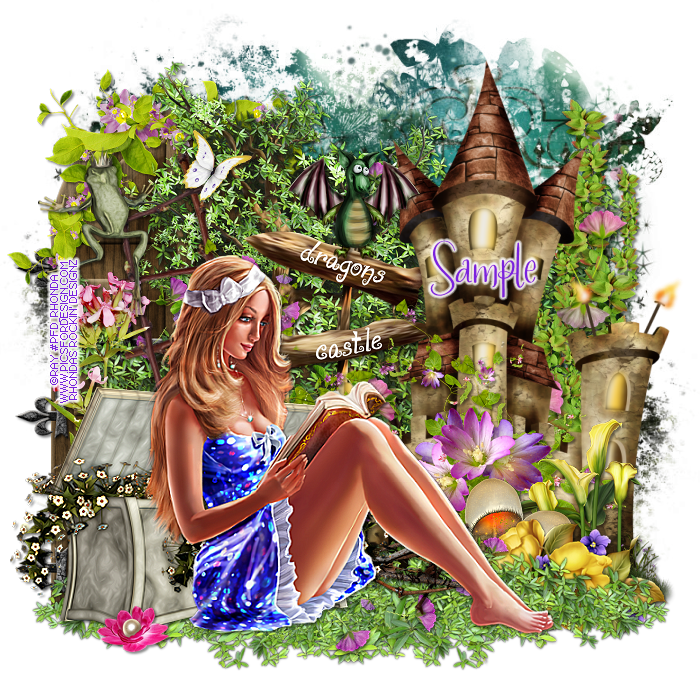
This tutorial is written for those with knowledge of PSP
Supplies Needed:
Tube of choice: I'm using the wonderful art work of Ray
Tube was purchased at PFD HERE
FTU kit GOF called Fantasy Tale HERE
Mask #178 & 188 by Mizteequee HERE
Mask of choice
Ok Lets get Started:
Open blank canvas 700x700
Open elements 19 & 24
Place elements to right & left of canvas
Place tube and start building tag
Use any elements of choice. I used the following:
Element 1
Element 7
Element 11
Element 12
Element 13
Element 21
Element 39
Element 45
Element 52
Element 72
Element 73
Element 89
Element 90
Element 97
Element 112
Element 126
Element 136
Element 138
Element 157
Merge layers and add mask of choice
I used the 2 different masks with same paper
Place your name where you like it
Add the Copyright and your License Number for the tube
Resize to your liking and save as PNG
This tutorial was created on May 24,2021 by Rhonda
Any resemblance to another Tag or Tutorial is purely coincidental
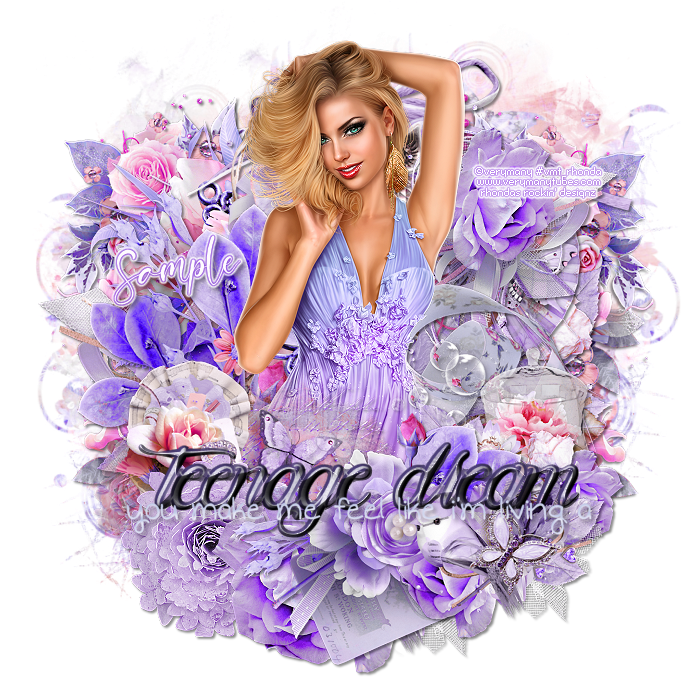
This tutorial is written for those with knowledge of PSP
Supplies Needed:
Tube of choice: I'm using the wonderful art work of VeryMany
Tube was purchased at VM Tubes HERE
PTU kit by Tiny Turtle called Fairy Garden
Kit can be purchased at her store HERE
Word Art by Chantal Corner HERE
Mask of choice
Ok Lets get Started:
Open blank canvas 700x700
Place tube and start building tag
Use any elements of choice. I used the following:
Element 14
Element 29
Element 35
Element 40
Element 43
Element 50
Element 62
Element 80
Element 81
Element 82
Element 87
Element 93
Element 98
Element 106
Element 115
Merge layers and add mask of choice
Place your name where you like it
Add the Copyright and your License Number for the tube
Resize to your liking and save as PNG
This tutorial was created on May 24,2021 by Rhonda
Any resemblance to another Tag or Tutorial is purely coincidental
Wednesday, May 19, 2021

This tutorial is written for those with knowledge of PSP
Supplies Needed:
Tube of choice: I'm using the wonderful art work of Misticheskaya
Tube was purchased at PFD HERE
FTU Mini Kit #4 by Karmalized Scraps HERE
Mask #343 by Mizteeque HERE
Ok Lets get Started:
Open blank canvas 700x700
Place tube and start building tag
Use any elements of choice. I used the following:
Element 3
Element 5
Element 6
Element 8
Element 9
Element 11
Element 16
Element 17
Element 18
Element 19
Element 22
Element 23
Element 29
Spray 1&2
Water
Merge layers and add mask of choice
I used papers 3&4 with mask
Place your name where you like it
Add the Copyright and your License Number for the tube
Resize to your liking and save as PNG
This tutorial was created on May 19,2021 by Rhonda
Any resemblance to another Tag or Tutorial is purely coincidental


This tutorial is written for those with knowledge of PSP
Supplies Needed:
Tube of choice: I'm using the wonderful art work of Fiodorova_Maria
Tube was purchased at VMArtists HERE
PTU kit by Doodles By Design called Making Art
Kit can be purchased at her store HERE
Template #903 by Millie's PSP Madness HERE
No mask used
Ok Lets get Started:
Open template - shift D to duplicate - close original
I deleted layers 11-15
Use papers from kit on template layers
Place tube and start building tag
Use any elements of choice. I used the following:
Element 1
Element 3
Element 5
Element 13
Element 22
Element 23
Element 39
Element 52
Element 56
Element 61
Element 67
Element 68
Element 123
Element 133
Element 149
Word Art 2
Merge layers and add mask of choice
Place your name where you like it
Add the Copyright and your License Number for the tube
Resize to your liking and save as PNG
This tutorial was created on May 19,2021 by Rhonda
Any resemblance to another Tag or Tutorial is purely coincidental
Tuesday, May 18, 2021

This tutorial is written for those with knowledge of PSP
Supplies Needed:
Tube of choice: I'm using the wonderful art work of Misticheskaya
Exclusive tube was purchased at PFD HERE
PTU kit by Purple Dreams Scrap called Coffee Break
Kit can be purchased at PFD HERE
Mask of choice
Ok Lets get Started:
Open blank canvas 700x700
Open element 78, resize & place to center
Click inside frame with magik wand and expand by 10
Open new layer layer under frame keeping selection
Open paper of choice and paste into selection
Place tube and start building tag
Use any elements of choice. I used the following:
Element 3
Element 10
Element 14
Element 40
Element 43
Element 66
Element 71
Element 72
Element 73
Element 89
Element 90
Element 91
Element 95
Element 99
Merge layers and add mask of choice
Place your name where you like it
Add the Copyright and your License Number for the tube
Resize to your liking and save as PNG
This tutorial was created on May 18,2021 by Rhonda
Any resemblance to another Tag or Tutorial is purely coincidental
Monday, May 17, 2021

This tutorial is written for those with knowledge of PSP
Supplies Needed:
Tube of choice: I'm using the wonderful art work of VeryMany
Tube was purchased at their store HERE
FTU kit by Miggins HERE
WordArt by Just Like Candy Designs HERE
Mask of choice
Ok Lets get Started:
Open blank canvas 700x700
Open element 1, resize & place to center
Use MuraMeister's Encircle filter
Create a cluster frame of desired size
Place tube and start building tag
Use any elements of choice. I used the following:
Element 2
Element 3
Element 4
Element 5
Element 6
Element 7
Element 8
Merge layers and add mask of choice
Place your name where you like it
Add the Copyright and your License Number for the tube
Resize to your liking and save as PNG
This tutorial was created on May 17,2021 by Rhonda
Any resemblance to another Tag or Tutorial is purely coincidental

This tutorial is written for those with knowledge of PSP
Supplies Needed:
Tube of choice: I'm using the wonderful art work of VeryMany
Tube was purchased at their store HERE
FTU kit by Mizteeque's Digital Designs HERE
Part of her great birthstone collection
Mask of choice
Ok Lets get Started:
Open blank canvas 700x700
Open frame 4 and place to center
Open frame 5 and place on top (resize if needed)
Open frame 1 (resize)
Click inside frame with magik wand, expand by 10
Open new layer under frame
Paste paper of choice into selection
Place tube and start building tag
Use any elements of choice. I used the following:
Element 4
Element 6
Element 7
Element 10
Element 11
Element 19
Element 23
Element 29
Element 35
Element 39
Element 41
Element 50
Merge layers and add mask of choice
Place your name where you like it
Add the Copyright and your License Number for the tube
Resize to your liking and save as PNG
This tutorial was created on May 17,2021 by Rhonda
Any resemblance to another Tag or Tutorial is purely coincidental
Sunday, May 16, 2021

This tutorial is written for those with knowledge of PSP
Supplies Needed:
Tube of choice: I'm using the wonderful art work of Goldwasser
Tube was purchased at HERE
PTU kit by A Lil Mz Brainstorm called Mermaid Musings
Kit purchased from PFD HERE
Mask of choice
Ok Lets get Started:
Open blank canvas 700x700
Open element 96 - resize 90% and place to center
Open element 41 - resize 90% and place on top
Click inside frame with magik wand
Open new layer under frame
Paste paper of choice into selection
Place tube and start building tag
Use any elements of choice. I used the following:
Element 3
Element 7
Element 9
Element 10
Element 18
Element 22
Element 33
Element 42
Element 43
Element 44
Element 52
Element 62
Element 76
Element 78
Element 89
Merge layers and add mask of choice
Place your name where you like it
Add the Copyright and your License Number for the tube
Resize to your liking and save as PNG
This tutorial was created on May 16,2021 by Rhonda
Any resemblance to another Tag or Tutorial is purely coincidental

This tutorial is written for those with knowledge of PSP
Supplies Needed:
Tube of choice: I'm using the wonderful art work of Keith Garvey
Tube was purchased at his store which has now closed
You can buy his tubes at CDO HERE
FTU Cluster by Linda at My Tagging Addiction HERE
Mask by likeisow at Deviant Art HERE
Ok Lets get Started:
Open cluster - shift D to duplicate x2
Minimize one to bottom (we will use later)
Using freehand tool draw a corcle around frame
Add new layer under and paste any background you want
I used a gradient
Open tube and place where you want on frame
I added close-up tube to background
Add Xero Porcelin to tubes
On layer properties in psp change blend mode to screen
Merge layers
Open other frame we duplicated
Add to back of tag
Using MuraMeister Copies, select Wallpaper
Using settings of choice
Apply mask
Place your name where you like it
Add the Copyright and your License Number for the tube
Resize to your liking and save as PNG
This tutorial was created on May 16,2021 by Rhonda
Any resemblance to another Tag or Tutorial is purely coincidental

This tutorial is written for those with knowledge of PSP
Supplies Needed:
Tube of choice: I'm using the wonderful art work of Barbara Jensen
Tube was purchased at her store HERE
FTU kit by Wicked Princess Scraps called Shannon
All her Fantastical Friends kits are free on her blog HERE
Mask of choice
Ok Lets get Started:
Open blank canvas 700x700
Open frame 4 and paste to center
Open frame 7 and place on top
I resized this frame around 87%
Click inside frame with magik wand and expand by 15
Add new layer under frame and paste paper of choice in selection
Place tube to left and start building tag
Use any elements of choice. I used the following:
Bird 3
Butterflies 6
Chandelier
Crown
Dragonfly
Fairy Dust 2
Flower
Flower 2,4,5,6
Ivy
Merge layers and add mask of choice
Place your name where you like it
Add the Copyright and your License Number for the tube
Resize to your liking and save as PNG
This tutorial was created on May 16,2021 by Rhonda
Any resemblance to another Tag or Tutorial is purely coincidental
Friday, May 14, 2021


This tutorial is written for those with knowledge of PSP
Supplies Needed:
Tube of choice: I'm using the wonderful art work of Arthur Crowe
Tube was included in kit purchased from PFD
PTU kit by Moonshine Dezinez called Summer Mermaid
Tube purchased from PFD HERE
Mask of choice
Ok Lets get Started:
Open blank canvas 700x700
Open frame 2 from kit and resize
Place to right of canvas
Using deform tool rotate to left
Add paper of choice under frame
Merge these two layers as one
Place tube to left and start building tag
Use any elements of choice. I used the following:
Element 7
Element 10
Element 15
Element 16
Element 17
Element 22
Element 28
Element 31
Element 32
Element 33
Element 39
Element 40
Element 50
Element 58
Element 60
Merge layers and add mask of choice
Place your name where you like it
Add the Copyright and your License Number for the tube
Resize to your liking and save as PNG
This tutorial was created on May 14,2021 by Rhonda
Any resemblance to another Tag or Tutorial is purely coincidental
Subscribe to:
Comments
(Atom)
Grab My Blinkie

I CT For

Blogs I Visit