Showing posts with label Awareness. Show all posts
Showing posts with label Awareness. Show all posts
Monday, March 2, 2026

Self-harm is on a rise. We don't think of it much but always
relate back to suicide. What is the difference between self-harm
and suicide? This is MY knowledge between the two
Self-harm is a deliberate injury caused by self but without
intention of taking one's life. It is a call for help. Method
used to commit injury can cause harm but won't take life away.
Suicide is intentional act to take life way.
There are so many reasons self-harm is on the rise. If
you experience a friend/family member going through changes
outside their normal, they are giving clues to others. Self-harm
may be attempted several times without notice so the next step
would be suicide. Listen to what friends/family are saying
BUT pay close attention to what is NOT being spoken
I found this cute kit and decided to write a tutorial for my tag
Supplies needed are all FTU
Artist - Marika tube purchased from CDO
(Not sure where artist may be selling now)
Scrap kit - Created by Purple HERE
Template - Created by Venomous Creations HERE
Mask - Weescotslass #362 (link on right side of blog) HERE
WA was created by me
Right click to save

Open template. Shift D to duplicate and close original
Increase canvas size to 800x800
Delete top layer
Oval back layer - pp10
Oval frame layer - gradient called Josie (2/4 invert)
Square back layer - pp13 (changed color a little)
Square frame layer - gradient
Vertical lines back layer - 3 pp's of choice from kit
Vertical lines frames layer - gradient
Elements from kit used:
Glittermess
Flowers 4&5
Hearts 1&2
Vase
Lace 2
Flowers 1
Chocolate
Candles
Doodle 2
Apply tube of choice - place copyright information
Open paper of choice & apply
(I used an overlay I found also)
Apply WA if desired
Merge layers and save as PNG
(I keep a copy of original psp tag)
I would love to see any creations made
Make the tag your own and apply your skills


Tuesday, October 10, 2023


Sandy


Friday, September 17, 2021

Wednesday, September 15, 2021

Sunday, October 18, 2020

This tutorial is written for those with knowledge of PSP
Supplies Needed:
PTU Scrapkit by Moon Vixen Designs called Fight Like A Girl
Tube includes 2 from @Elegance_Sheokate
You can purchase this awesome kit from PFD HERE
Ok Lets get Started:
Resize elements to your liking
I am doing my tutorials a little different
You can use my tag as an example but I want you to use your style
This is how I learned and how I want you to learn
I would love to hear your feedback!!!!!!!!
Open blank canvas 700x700
Open frame 5 and place to center
Open frame 6 and place on top
Click inside and expand by 10
Add new laer under frames
Open paper of choice and paste into selection
Place tube where you desire
All we are going to do is build around it
Now time to add our elements.
I used the following:
Element 1
Element 3
Element 13
Element 17
Element18
Element 34
Element 40
Element 42
Element 46
Element 69
Element 100
Element 106
Element 107
Element 123
Element 137
Element 140
Element 142
Element 149
Element 153
Element 159
Element 162
Element 167
Merge your layers
Open paper of choice and apply mask
Place your name where you like it
Add the Copyright and your License Number for the tube
Resize to your liking and save as PNG
This tutorial was created on October 17,2020 by Rhonda
Any resemblance to another Tag or Tutorial is purely coincidental
Saturday, October 15, 2016
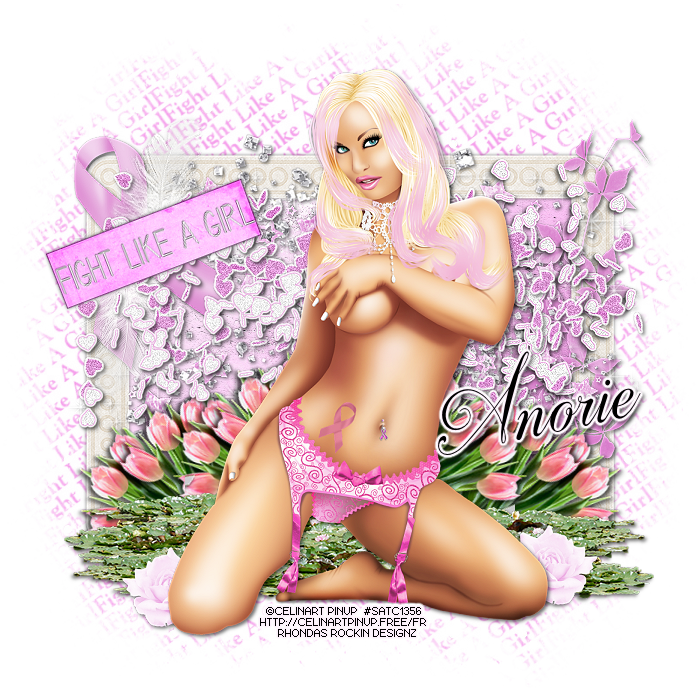
This tutorial is written for those with knowledge of PSP
Supplies Needed:
Tube of choice: I'm using the wonderful art work of Celinart Pinup
This tube was purchased at SATC which has closed
You can find her art now at different stores
FTU Scrapkit by Designs by Anorie HERE
Mask by Barbara HERE
Ok Lets get Started:
Resize elements to your liking
This is a very quick and easy tutorial
Open blank canvas 700x700
Open frame 2 and place in center
Click inside frame with magik wand
Selections modify expand by 10
Add new layer under frame and select all
Open paper 4 and paste into selections
Select none
Place your tube & build around it
Now time to add our elements
I used the following:
Element 1
Element 3
Element 14
Element 15
Element 18
Element 19
Element 20
Element 21
Element 23
Element 26
Element 28
Merge layers
Open paper of choice and apply mask
Place your name where you like it
Add the Copyright and your License Number for the tube
Resize to your liking and save as PNG
This tutorial was created on October 15,2016 by Rhonda
Any resemblance to another Tag or Tutorial is purely coincidental

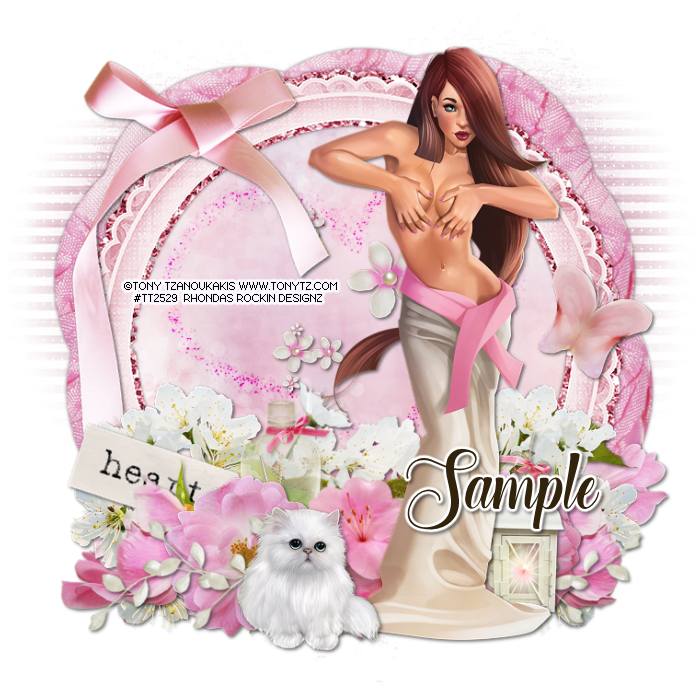
This tutorial is written for those with knowledge of PSP
Supplies Needed:
Tube of choice: I'm using the wonderful art work of Tony Tzanoukakis
You must obtain a license to use from his store HERE
PTU Scrapkit by Reineke Designs which was also purchased at Tony's store HERE
Can be bought separate or as a bundle
Mask of choice
Ok Lets get Started:
Resize elements to your liking
This is a very quick and easy tutorial
Open blank canvas 700x700
Open element 20 and place in center
Click inside frame with magik wand
Selections modify expand by 10
Add new layer under frame and select all
Open paper 10 and paste into selections
Select none
Place your tube & build around it
Now time to add our elements
I used the following:
Element 4
Element 5
Element 7
Element 9
Element 12
Element 13
Element 16
Element 18
Element 22
Element 23
Element 26
Element 27
Element 28
Element 29
Merge layers
Open paper of choice and apply mask
Place your name where you like it
Add the Copyright and your License Number for the tube
Resize to your liking and save as PNG
This tutorial was created on October 12,2016 by Rhonda
Any resemblance to another Tag or Tutorial is purely coincidental
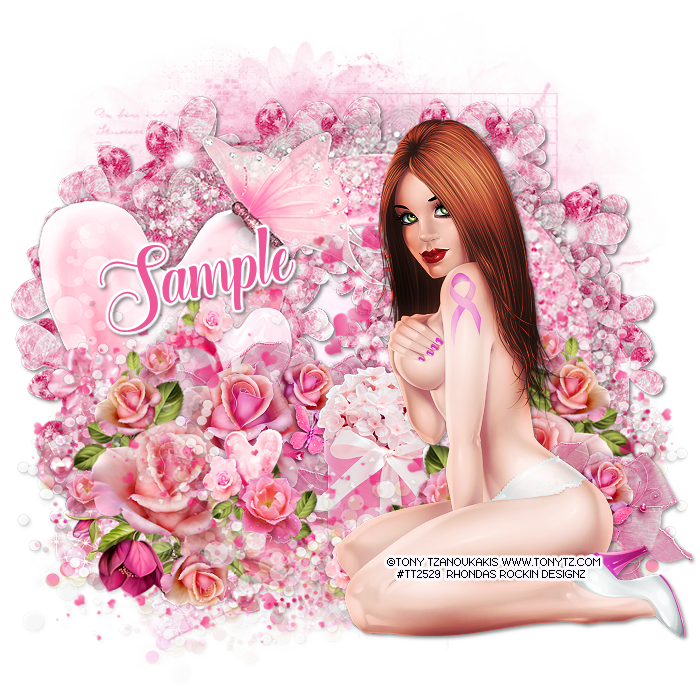
This tutorial is written for those with knowledge of PSP
Supplies Needed:
Tube of choice: I'm using the wonderful art work of Tony Tzanoukakis
You must obtain a license to use from his store HERE
FTU Scrapkit from Tiny Turtle Designs HERE
Mask of choice
Ok Lets get Started:
Resize elements to your liking
This is a very quick and easy tutorial
Open blank canvas 700x700
Open element 8 and place in center
Click inside frame with magik wand
Selections modify expand by 10
Add new layer under frame and select all
Open paper 3 and paste into selections
Select none
Place your tube & build around it
Now time to add our elements
I used the following:
Elements 5
Elements 6
Elements 13
Elements 17
Elements 23
Elements 34
Elements 72
Elements 93
Elements 105
Merge layers
Open paper of choice and apply mask
Place your name where you like it
Add the Copyright and your License Number for the tube
Resize to your liking and save as PNG
This tutorial was created on October 12,2016 by Rhonda
Any resemblance to another Tag or Tutorial is purely coincidental
Friday, September 23, 2016
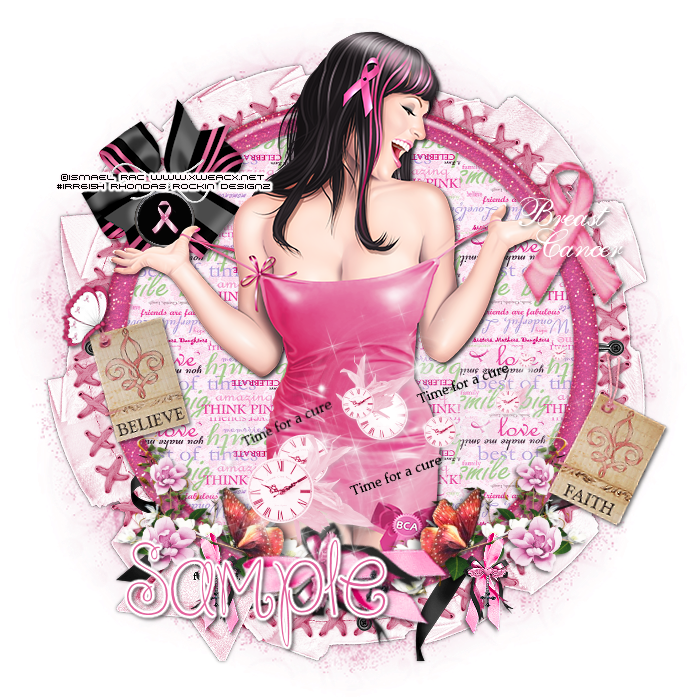
This tutorial is written for those with knowledge of PSP
Supplies Needed:
Tube of choice: I'm using the wonderful art work of Ismael Rac
This tube was a free gift at his store
You can find his art now at SNC HERE
FTU Scrapkit from Dreamland Designs HERE
Mask of choice
Ok Lets get Started:
Resize elements to your liking
This is a very quick and easy tutorial
Open blank canvas 700x700
Open frame 2 & place to center
I made another frame using a darker color pink with noise
Click inside with magic wand & expand by 10
Open paper 17 and paste as new layer
Selections invert delete
Move paper under frame
Place your tube & build around it
Now time to add our elements
I used the following:
Dreamland Ribbon
Ribbon
Floral Ribbon
Tag 2
Tag 1
Time for a Cure
Butterfly
Merge layers
Open paper of choice and apply mask
Place your name where you like it
Add the Copyright and your License Number for the tube
Resize to your liking and save as PNG
This tutorial was created on September 23,2016 by Rhonda
Any resemblance to another Tag or Tutorial is purely coincidental
Sunday, May 10, 2015
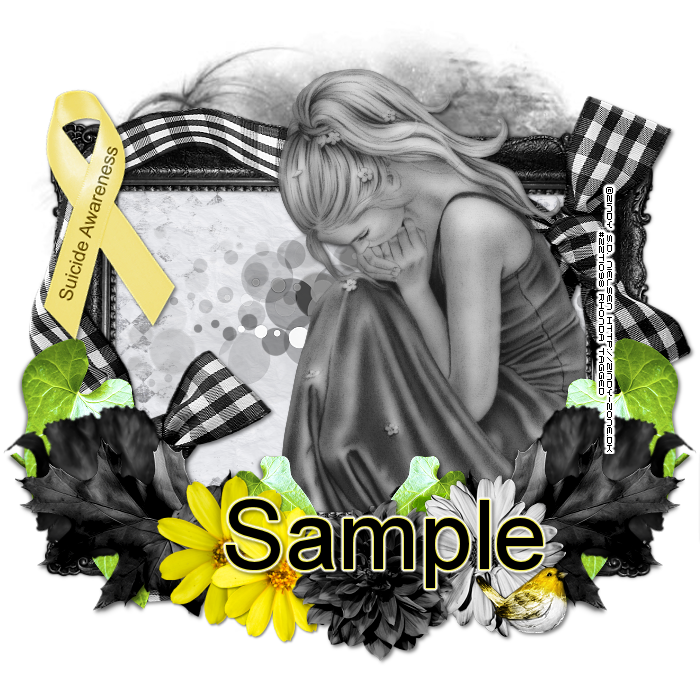
This tutorial is written for those with knowledge of PSP
Supplies Needed:
Tube of choice: I'm using the wonderful art work of Zindy S.D.Nielsen
You must obtain a license to use HERE
FTU Scrapkit from Crafted by Gina HERE
Mask of choice
Resize elements to your liking
This is a very quick and easy tutorial
Open blank canvas 700x700
Open frame & paste in center of canvas
Click inside with magic wand & expand by 10
Open paper 3 and paste as new layer
Selections invert delete
Move paper under frame
Place your main tube & build around it
Now time to add our elements
I used the following:
Awareness Ribbon 2
Bird 2
Bow 2
Flower 2,4,5&6
Ivy
Leaf 1,2&3
Spots
Merge layers
Open paper of choice and apply mask
Place your name where you like it
Add the Copyright and your License Number for the tube
Resize to your liking and save as PNG
This tutorial was created on May 10,2015 by Rhonda
Any resemblance to another Tag or Tutorial is purely coincidental
Subscribe to:
Posts
(Atom)
Grab My Blinkie

I CT For



Blogs I Visit
























