Showing posts with label Breast Cancer Awareness. Show all posts
Showing posts with label Breast Cancer Awareness. Show all posts
Thursday, September 25, 2025

Feel free to use my tags as examples of how kit was used
Hope it inspires you in some small way
I would love to see any creations!!!!!!!!
Scrapkit - BCA 2023
Download HERE
Cluster Frame - Created by wonderful friend Pammers
Download HERE
Tube - Created by Caz - pick your choice
Download HERE
WA - Created by Karma
Download HERE


Tuesday, October 10, 2023


Sandy


Tuesday, October 20, 2020

This tutorial is written for those with knowledge of PSP
Supplies Needed:
Tube of choice: I'm using the wonderful art work of Keith Garvey
This tube was purchased when Garvey had his own store
He now sells at CDO HERE
PTU Scrapkit by Purple Dreams Scraps called "BCA"
You can purchase this awesome kit from PFD HERE
Masks from Basima HERE
Ok Lets get Started:
Resize elements to your liking
I am doing my tutorials a little different
You can use my tag as an example but I want you to use your style
This is how I learned and how I want you to learn
I would love to hear your feedback!!!!!!!!
Open blank canvas 700x700
Open element 71 and place to center
Place tube where you desire
All we are going to do is build around it
Now time to add our elements.
I used the following:
Element 6
Element 14
Element 15
Element 17
Element 19
Element 24
Element 25
Element 28
Element 29
Element 31
Element 32
Element 33
Element 35
Element 36
Element 42
Element 50
Element 52
Element 53
Element 58
Element 62
Element 63
Element 68
Merge your layers
I used 2 different papers and masks for this tag
Place your name where you like it
Add the Copyright and your License Number for the tube
Resize to your liking and save as PNG
This tutorial was created on October 20,2020 by Rhonda
Any resemblance to another Tag or Tutorial is purely coincidental
Saturday, October 15, 2016
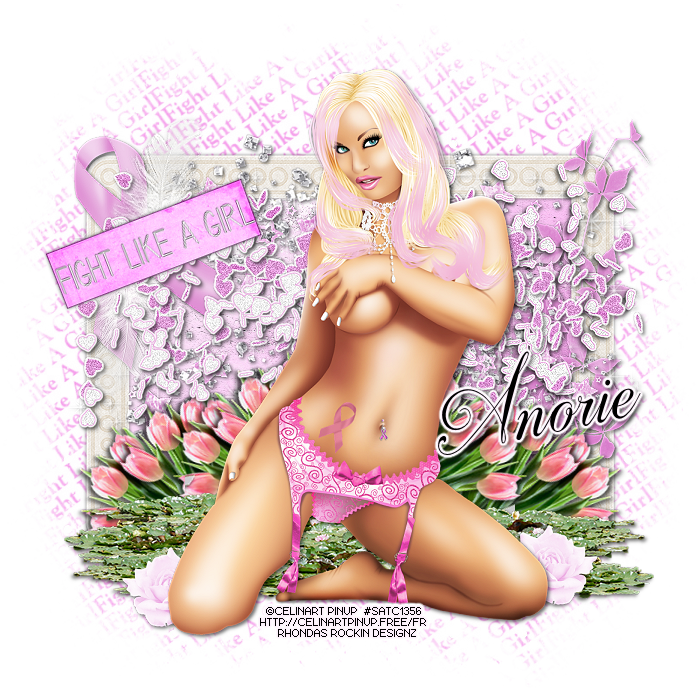
This tutorial is written for those with knowledge of PSP
Supplies Needed:
Tube of choice: I'm using the wonderful art work of Celinart Pinup
This tube was purchased at SATC which has closed
You can find her art now at different stores
FTU Scrapkit by Designs by Anorie HERE
Mask by Barbara HERE
Ok Lets get Started:
Resize elements to your liking
This is a very quick and easy tutorial
Open blank canvas 700x700
Open frame 2 and place in center
Click inside frame with magik wand
Selections modify expand by 10
Add new layer under frame and select all
Open paper 4 and paste into selections
Select none
Place your tube & build around it
Now time to add our elements
I used the following:
Element 1
Element 3
Element 14
Element 15
Element 18
Element 19
Element 20
Element 21
Element 23
Element 26
Element 28
Merge layers
Open paper of choice and apply mask
Place your name where you like it
Add the Copyright and your License Number for the tube
Resize to your liking and save as PNG
This tutorial was created on October 15,2016 by Rhonda
Any resemblance to another Tag or Tutorial is purely coincidental

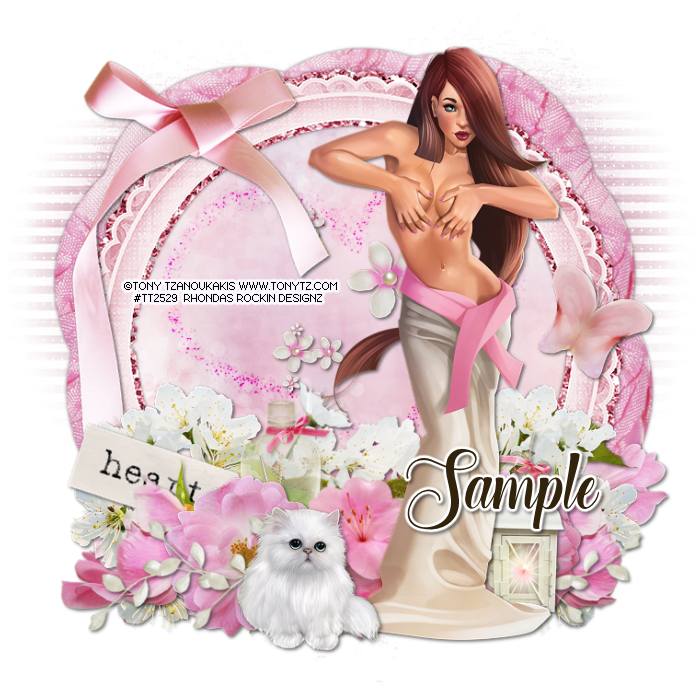
This tutorial is written for those with knowledge of PSP
Supplies Needed:
Tube of choice: I'm using the wonderful art work of Tony Tzanoukakis
You must obtain a license to use from his store HERE
PTU Scrapkit by Reineke Designs which was also purchased at Tony's store HERE
Can be bought separate or as a bundle
Mask of choice
Ok Lets get Started:
Resize elements to your liking
This is a very quick and easy tutorial
Open blank canvas 700x700
Open element 20 and place in center
Click inside frame with magik wand
Selections modify expand by 10
Add new layer under frame and select all
Open paper 10 and paste into selections
Select none
Place your tube & build around it
Now time to add our elements
I used the following:
Element 4
Element 5
Element 7
Element 9
Element 12
Element 13
Element 16
Element 18
Element 22
Element 23
Element 26
Element 27
Element 28
Element 29
Merge layers
Open paper of choice and apply mask
Place your name where you like it
Add the Copyright and your License Number for the tube
Resize to your liking and save as PNG
This tutorial was created on October 12,2016 by Rhonda
Any resemblance to another Tag or Tutorial is purely coincidental
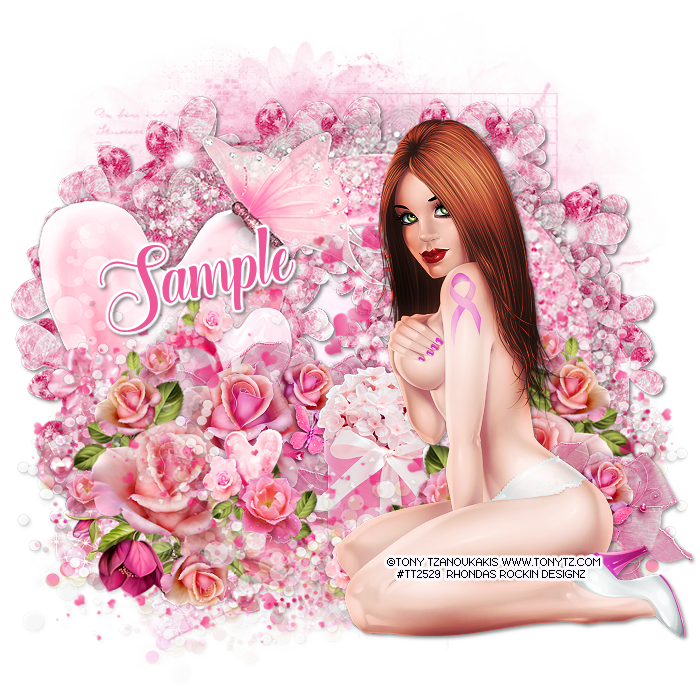
This tutorial is written for those with knowledge of PSP
Supplies Needed:
Tube of choice: I'm using the wonderful art work of Tony Tzanoukakis
You must obtain a license to use from his store HERE
FTU Scrapkit from Tiny Turtle Designs HERE
Mask of choice
Ok Lets get Started:
Resize elements to your liking
This is a very quick and easy tutorial
Open blank canvas 700x700
Open element 8 and place in center
Click inside frame with magik wand
Selections modify expand by 10
Add new layer under frame and select all
Open paper 3 and paste into selections
Select none
Place your tube & build around it
Now time to add our elements
I used the following:
Elements 5
Elements 6
Elements 13
Elements 17
Elements 23
Elements 34
Elements 72
Elements 93
Elements 105
Merge layers
Open paper of choice and apply mask
Place your name where you like it
Add the Copyright and your License Number for the tube
Resize to your liking and save as PNG
This tutorial was created on October 12,2016 by Rhonda
Any resemblance to another Tag or Tutorial is purely coincidental
Friday, September 23, 2016
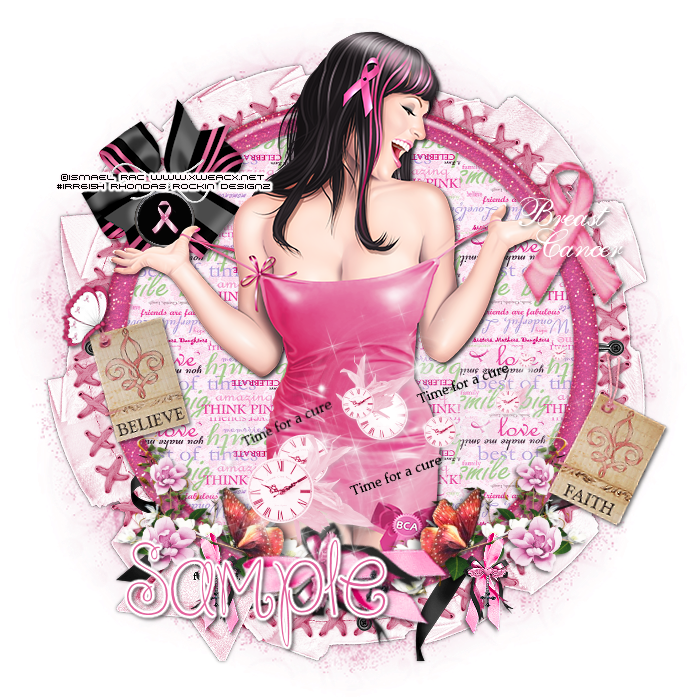
This tutorial is written for those with knowledge of PSP
Supplies Needed:
Tube of choice: I'm using the wonderful art work of Ismael Rac
This tube was a free gift at his store
You can find his art now at SNC HERE
FTU Scrapkit from Dreamland Designs HERE
Mask of choice
Ok Lets get Started:
Resize elements to your liking
This is a very quick and easy tutorial
Open blank canvas 700x700
Open frame 2 & place to center
I made another frame using a darker color pink with noise
Click inside with magic wand & expand by 10
Open paper 17 and paste as new layer
Selections invert delete
Move paper under frame
Place your tube & build around it
Now time to add our elements
I used the following:
Dreamland Ribbon
Ribbon
Floral Ribbon
Tag 2
Tag 1
Time for a Cure
Butterfly
Merge layers
Open paper of choice and apply mask
Place your name where you like it
Add the Copyright and your License Number for the tube
Resize to your liking and save as PNG
This tutorial was created on September 23,2016 by Rhonda
Any resemblance to another Tag or Tutorial is purely coincidental
Sunday, October 18, 2015
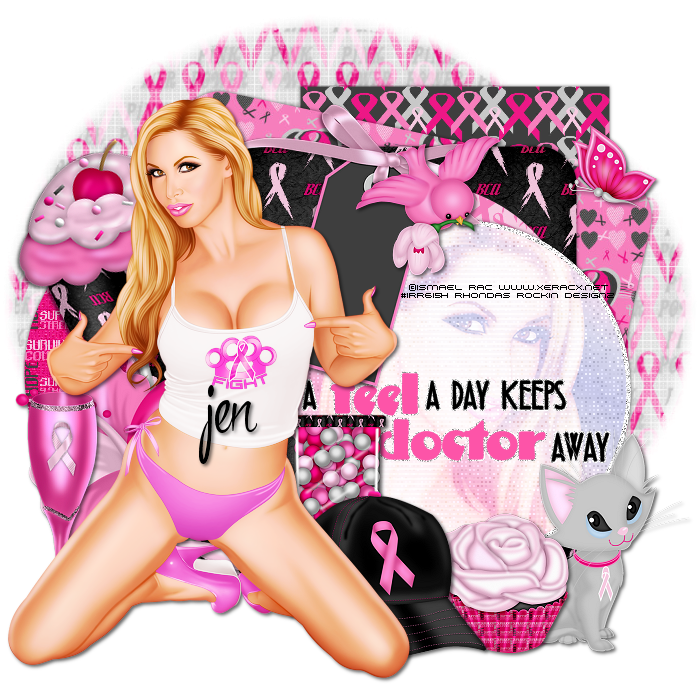
This tutorial is written for those with knowledge of PSP
Supplies Needed:
Tube of choice: I'm using the wonderful art work of Ismael Rac
Which you must obtain a license to use HERE
This tube is found in the freebie section
FTU Scrap Kit by Jen found at The Taggers Lounge blog HERE
Template #101 by Millie HERE
Mask by Millie HERE
Don't forget to leave a thank you when downloading
Ok Lets get Started:
Open template - Shift D to duplicate then close out original
Delete copyright & layer 2
Click on raster 1 selections,select all, float,defloat
paste a paper of choice from the kit - I used paper3
selection invert delete
select none delete the original
Click on raster 3 selections,select all, float,defloat
paste a paper of choice from the kit - I used paper2
selection invert delete
select none delete the original
Click on raster 4 selections,select all, float,defloat
paste a paper of choice from the kit - I used paper7
selection invert delete
select none delete the original
Click on raster 5 selections,select all, float,defloat
paste a paper of choice from the kit - I used paper1
selection invert delete
select none delete the original
Click on raster 6 selections,select all, float,defloat
paste a paper of choice from the kit - I used paper6
selection invert delete
select none delete the original
Click on raster 7 selections,select all, float,defloat
add new layer and flood fill with gradient of choice
apply Xero Fritillary with setting of choice
apply close-up of tube & apply Xero Radiance with settings of choice
apply PhotoEffex Scanlines to tube
select none delete original
Place your tube
Now time to add our elements
I used the following:
Bfly
Bird
Cupcake Loli
Flower
Flute
Gumball Machine
Hat
Kitty
Rose Cupcake
Tag 1
Merge your layers
Open paper 4 and apply mask of choice
Place your name where you like it
Add the Copyright and your License Number for the tube
Resize to your liking and save as PNG
This tutorial was created on October 18,2015 by Rhonda
Any resemblance to another Tag or Tutorial is purely coincidental
Saturday, October 4, 2014

This tutorial is written for those with knowledge of PSP
Supplies Needed:
Tube of choice: I'm using the wonderful art work of GraphFreaks
You must obtain a license to use this art at S&Co HERE
PTU Scrap Kit from Bibi called "BCA Babe"
You an purchase this awesome kit at S&Co HERE
Template by Tamie HERE
Mask of choice
Open template - Shift D to duplicate then close out original
Resize template by 84% all layers
Increase canvas size to 700x700
delete copyright,wordart and rasters 5
paste a paper of choice from the kit - I used paper3
selection invert delete
select none delete the original
paste a paper of choice from the kit - I used paper4
selection invert delete
select none delete the original
paste a paper of choice from the kit - I used paper9
selection invert delete
select none delete the original
paste a paper of choice from the kit - I used paper19
selection invert delete
select none delete the original
I used the following:
Element 4
Element 5
Element 16
Element 35
Element 37
Element 39
Element 40
Element 46
Element 47
Element 53
Element 77
Element 82
Element 89
Element 100
Element 101
Element 104
Element 116
Element 117
Element 125
Element 128
Open paper 15 & apply mask of choice
Add the Copyright and your License Number for the tube
Resize to your liking and save as PNG
This tutorial was created on October 4,2014 by Rhonda
Any resemblance to another Tag or Tutorial is purely coincidental

Friday, October 11, 2013

Supplies Needed:
Tube of choice: Im using the wonderful art work of Celinart Pinup
The tube I am using was a prepaid
You must obtain a license to use her tubes at SATC HERE
PTU Scrap Kit by Laura from Tiny Turtle Design called "BCA Angel"
You an purchase this awesome kit at her store HERE
Mask of choice
Xero Radiance
Open blank canvas 700x700
Open element 99 & place as a new layer
Grab the freehand tool and draw a circle around the frame
Open paper 14 and place as a new layer
Selections invert delete
Move paper under frame
apply Xero Radiance with settings of choice
I used:
Element 2
Element 10
Element 23
Element 34
Element 55
Element 63
Element 73
Element 105
Element 107
Element 111
Element 119
Open paper 8 & apply mask
I added a weave effect to my mask
Add the Copyright and your License Number for the tube
Resize to your liking and save as PNG
This tutorial was created on October 11,2013 by Rhonda
Any resemblance to another Tag or Tutorial is purely coincidental


Supplies Needed:
Tube of choice: Im using the wonderful art work of SkyScraps Pin-Up
Which you must obtain a license to use at SATC HERE
FTU Scrap Kit by Thristy Scraps HERE
Wordart from Millie HERE
Mask #21 from Gems HERE
Don't forget to leave a thank you when downloading
Penta Color Dot
Open a white blank canvas 700x700
Open frame 4 from kit and place as a new layer
Grab the freehand tool and draw around frame
Open paper 6 and paste as new layer
Move paper under frame
apply Penta Color Dot with settings of choice
Place tube to right of frame
I used the following:
Bird
Bottle 1&2
Bow 2
Cup
Cupcake
Dog
Flower 3,6&9
Flowers 1
Leaves 5
Pink Hope Scatter
Open paper 3 & apply mask
Add the Copyright and your License Number for the tube
Resize to your liking and save as PNG
This tutorial was created on October 11,2013 by Rhonda
Any resemblance to another Tag or Tutorial is purely coincidental
Tuesday, October 8, 2013

Supplies Needed:
Tube of choice: Im using the wonderful art work of Tony Tzanoukakis
You can purchas these tubes at his store HERE
FTU Scrap Kit by Laura from Tiny Turtle Design called "BCA"
You can download this awesome kit after liking her on facebook HERE
Collab Template #4 from Annaica & Leah HERE
Mask of choice
Don't forget to leave a thank you when downloading
Xero Radiance
Open template - Shift D to duplicate then close out original
Canvas size 700x700
Delete copyright,wordart & ribbon
paste a paper of choice from the kit - I used paper17
selection invert delete
select none delete the original
paste a paper of choice from the kit - I used paper1
selection invert delete
select none delete the original
paste a paper of choice from the kit - I used paper14
selection invert delete
select none delete the original
paste a paper of choice from the kit - I used paper3
selection invert delete
select none delete the original
add noise with settings of choice
paste a paper of choice from the kit - I used paper7
selection invert delete
select none delete the original
paste a paper of choice from the kit - I used paper4
selection invert delete
select none delete the original
paste a paper of choice from the kit - I used paper18
selection invert delete
select none delete the original
add noise with settings of choice
apply Xero Radiance
I used the following:
Element 6
Element 15
Element 37
Element 58
Element 61
Element 69
Element 107
Element 114
Element 120
Open paper 23 & apply mask
Add the Copyright and your License Number for the tube
Resize to your liking and save as PNG
This tutorial was created on October 7,2013 by Rhonda
Any resemblance to another Tag or Tutorial is purely coincidental
Subscribe to:
Posts
(Atom)
Grab My Blinkie

I CT For



Blogs I Visit
























