Tuesday, November 22, 2016

This tutorial is written for those with knowledge of PSP
Supplies Needed:
Tube of choice: I'm using the wonderful art work of Caron Ninson
You must obtain a license to use this art HERE
FTU cluster by Mary Jane found at Artistic Tag Passion HERE
Mask of choice
Ok Lets get Started:
Open frame - Shift D to duplicate and close original
Delete copyright
Grab freehand tool and draw around the frame
Add new layer under frame
Open paper 1 & paste into selection
Place your tube
Now time to add our elements
I used the following:
Basket of Apples
Bird
Birdhouse 2
Pinecone
Spray 1,2,5&6
Wagon 2
Merge your layers
Open paper of choice & apply mask
Place your name where you like it
Add the Copyright and your License Number for the tube
Resize to your liking and save as PNG
This tutorial was created on November 22,2016 by Rhonda

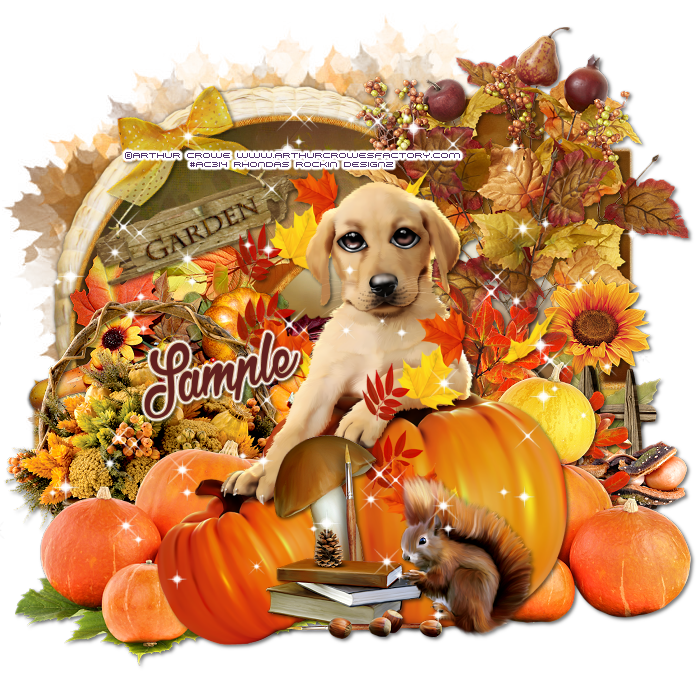
This tutorial is written for those with knowledge of PSP
Supplies Needed:
Tube of choice: I'm using the wonderful art work of Arthur Crowe
You must obtain a license to use at his store HERE
PTU Scrapkit by Creations by Sandi called Sweet Doggy
Buy as a bundle at Crowe's Store HERE
Template #25 by Just Like Candy Designs HERE
Mask of choice
Ok Lets get Started:
Open template - Shift D to duplicate then close out original
Decrease tamplate all layers 86%
Increase canvas size to 700x700
Delete copyright, right upper brown,left peach circle & right light brown
Move left vertical rectangle to right hand side
Click on left vertical rectangle selections,select all, float,defloat
paste a paper of choice from the kit - I used paper2
selection invert delete
select none delete the original
Click on middle rectangle selections,select all, float,defloat
paste a paper of choice from the kit - I used paper12
selection invert delete
select none delete the original
Click on center light brown selections,select all, float,defloat
paste a paper of choice from the kit - I used paper8
selection invert delete
select none delete the original
Place tube where desired
Now time to add our elements
I used the following:
Element 4
Element 5
Element 7
Element 11
Element 16
Element 17
Element 18
Element 25
Element 30
Element 33
Element 39
Element 43
Element 47
Element 50
Element 55
Element 57
Merge your layers
Open paper of choice and apply mask
Place your name where you like it
Add the Copyright and your License Number for the tube
Resize to your liking and save as PNG
This tutorial was created on November 22,2016 by Rhonda
Any resemblance to another Tag or Tutorial is purely coincidental
Monday, November 7, 2016
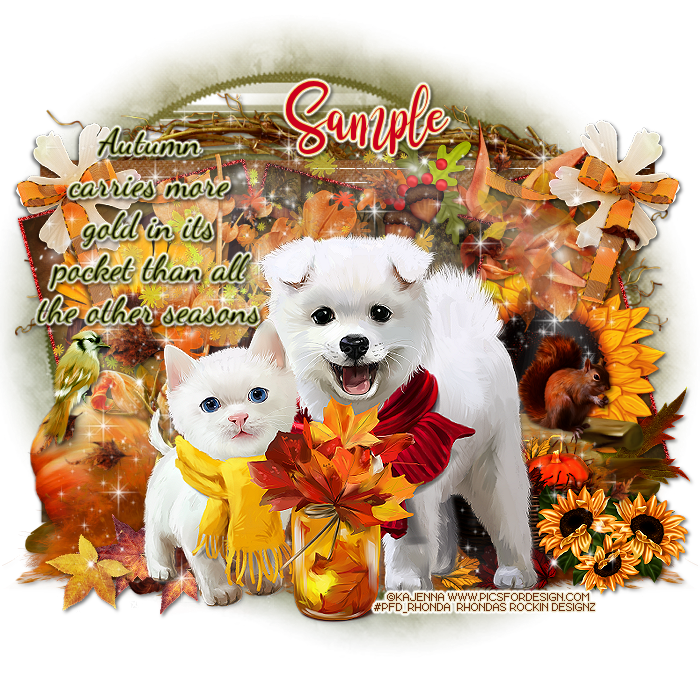
This tutorial is written for those with knowledge of PSP
Supplies Needed:
Tube of choice: I'm using the wonderful art work of Kajenna
You must obtain a license to use at PFD HERE
PTU Scrapkit by Design by Joan called Fabulous Fall HERE
Template #2 by Ruby & Barbara HERE
Mask of choice
Ok Lets get Started:
Open template - Shift D to duplicate then close out original
Decrease template all layers 90%
Increase canvas size to 700x700
Delete copyright, leaf frames,fall shapes & small text
Click on curl shape selections,select all, float,defloat
paste a paper of choice from the kit - I used paper8
selection invert delete
select none delete the original
Click on curl frame selections,select all, float,defloat
paste a paper of choice from the kit - I used paper5
selection invert delete
select none delete the original
Click on top & bottom bar selections,select all, float,defloat
paste a paper of choice from the kit - I used paper3
selection invert delete
select none delete the original
Click on rect 1&2 selections,select all, float,defloat
paste a paper of choice from the kit - I used paper2
selection invert delete
select none delete the original
add noise with settings of choice
Click on rect 3 selections,select all, float,defloat
paste a paper of choice from the kit - I used paper9
selection invert delete
select none delete the original
Click on all frames selections,select all, float,defloat
paste a paper of choice from the kit - I used paper7
selection invert delete
select none delete the original
add noise with settings of choice
Place tube where desired
Now time to add our elements
I used the following:
Element 1
Element 3
Element 6
Element 11
Element 20
Element 21
Element 22
Element 25
Element 26
Element 28
Element 32
Element 33
Element 35
Element 37
Element 39
Element 43
Element 44
Element 45
Element 50
Element 52
Element 60
Element 65
Element 66
Element 67
Element 69
Merge your layers
Open paper of choice and apply mask
Place your name where you like it
Add the Copyright and your License Number for the tube
Resize to your liking and save as PNG
This tutorial was created on November 7,2016 by Rhonda
Any resemblance to another Tag or Tutorial is purely coincidental
Saturday, October 29, 2016


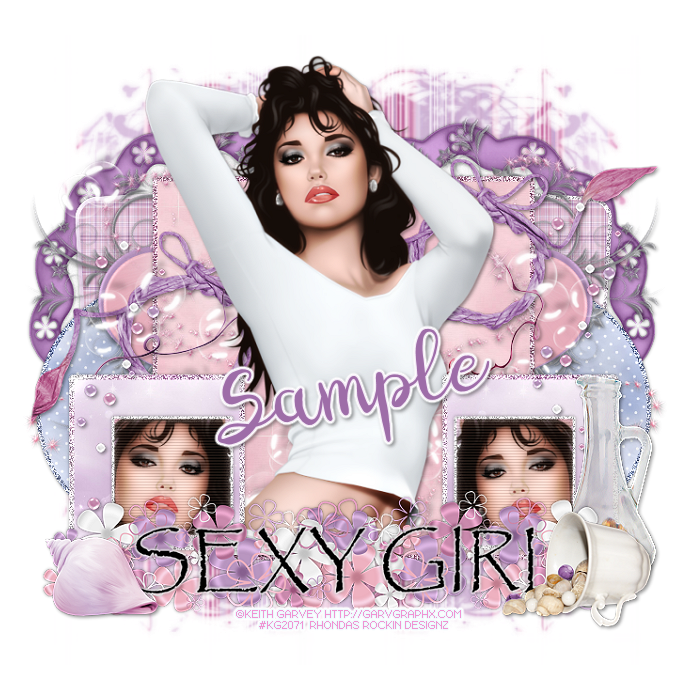
This tutorial is written for those with knowledge of PSP
Supplies Needed:
Tube of choice: I'm using the wonderful art work of Keith Garvey
You can purchase his tubes at his store HERE
FTU Scrap Kit by HorsePlay Pastures called "Pastels and Pearls" HERE
Template #828 by Millie HERE
Mask #151 by Millie HERE
Don't forget to leave a thank you when downloading
Ok Lets get Started:
Open template - Shift D to duplicate then close out original
Canvas size 700x700
Delete copyright
Click on layers 1&2 selections,select all, float,defloat
paste a paper of choice from the kit - I used paper6
selection invert delete
select none delete the original
Add borders
Click on layers 3&4 selections,select all, float,defloat
paste a paper of choice from the kit - I used paper8
selection invert delete
select none delete the original
Add borders
Click on layer 5 selections,select all, float,defloat
paste a paper of choice from the kit - I used paper14
selection invert delete
select none delete the original
Add border
Click on layers 6&7 selections,select all, float,defloat
paste a paper of choice from the kit - I used paper9
selection invert delete
select none delete the original
Add borders
Click on right orange square selections,select all, float,defloat
paste a paper of choice from the kit - I used paper6
selection invert delete
select none delete the original
Click on layers 8&9 selections,select all, float,defloat
paste a close up of tube inside square
selection invert delete
select none delete the original
Add borders
Place your tube
Now add any other elements of choice
I used the following:
Element 10
Element 18
Element 19
Element 20
Element 21
Element 22
Element 29
Element 36
Element 44
Element 45
Element 62
Merge your layers
Open paper of choice and apply mask
Place your name where you like it
Add the Copyright and your License Number for the tube
Resize to your liking and save as PNG
This tutorial was created on October 29,2016 by Rhonda
Any resemblance to another Tag or Tutorial is purely coincidental
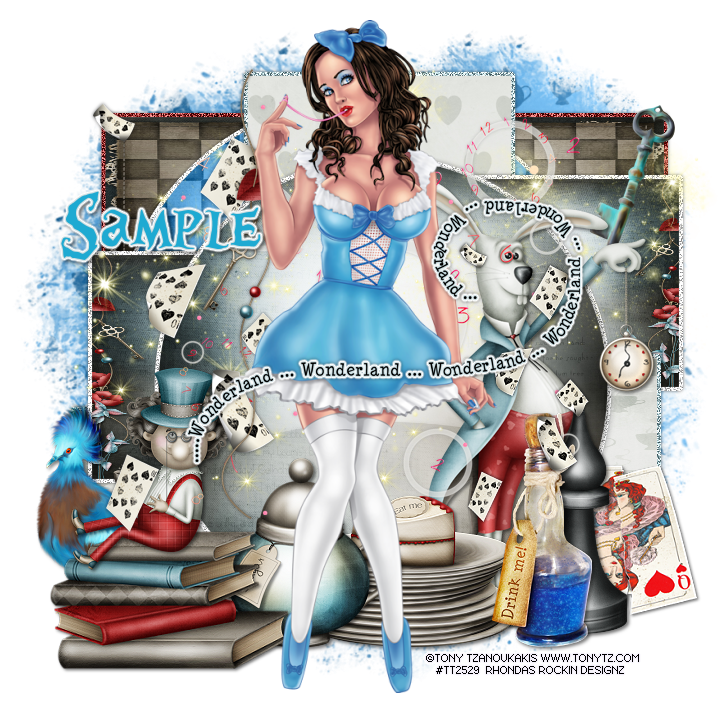
This tutorial is written for those with knowledge of PSP
Supplies Needed:
Tube of choice: Im using the wonderful art work of Tony Tzanoukakis
You can purchase his tubes at his store HERE
PTU Scrap Kit by Kizzed by Kelz "Alice in Wonderland" HERE
Also purchased at Tony T as a bundle with kit
Template #19 by Just Like Candy Designs HERE
Don't forget to leave a thank you when downloading
Move horz left to bottom
I added a border to my layers
Ok Lets get Started:
Open template - Shift D to duplicate then close out original
Canvas size 700x700
Delete copyright
Click on back circle selections,select all, float,defloat
paste a paper of choice from the kit - I used paper10
selection invert delete
select none delete the original
Click on center rectangle selections,select all, float,defloat
paste a paper of choice from the kit - I used paper1
selection invert delete
select none delete the original
Click on horz rectangle left & right selections,select all, float,defloat
paste a paper of choice from the kit - I used paper11
selection invert delete
select none delete the original
Click on lower orange rectangle selections,select all, float,defloat
paste a paper of choice from the kit - I used paper8
selection invert delete
select none delete the original
Click on right orange square selections,select all, float,defloat
paste a paper of choice from the kit - I used paper6
selection invert delete
select none delete the original
Click on center red rectangle selections,select all, float,defloat
paste a paper of choice from the kit - I used paper11
selection invert delete
select none delete the original
Click on center red circle selections,select all, float,defloat
paste a paper of choice from the kit - I used paper12
selection invert delete
select none delete the original
Place your tube
Now add any other elements of choice
I used the following:
Bird
Books
Bottle
Cake on Plates
Charm
Chess Piece 2
Clock
Falling Cards
Key
Mad Hatter
March Hare
Queen Hearts Card
Sparkle
Sugar
Timeless Clock
Word Art
Merge your layers
Open paper of choice and apply mask
Place your name where you like it
Add the Copyright and your License Number for the tube
Resize to your liking and save as PNG
This tutorial was created on October 29,2016 by Rhonda
Any resemblance to another Tag or Tutorial is purely coincidental
Saturday, October 15, 2016
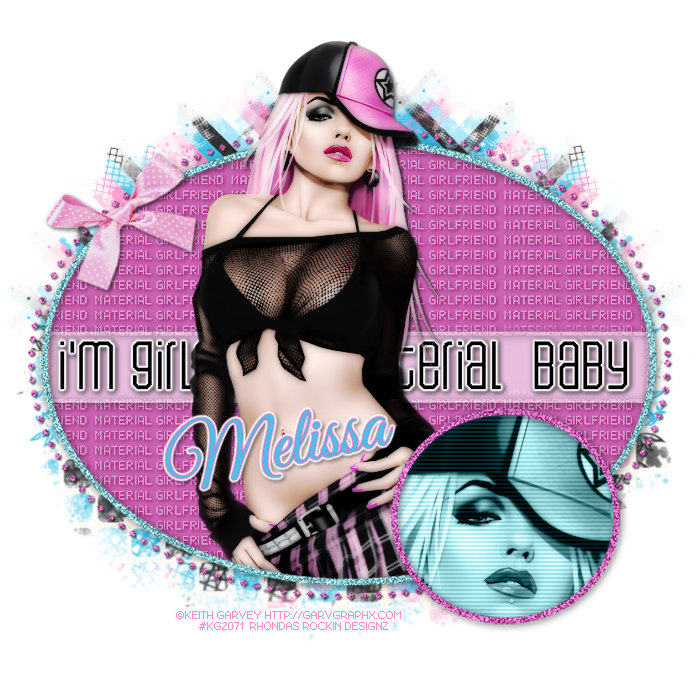
This tutorial is written for those with knowledge of PSP
Supplies Needed:
Tube of choice: I'm using the wonderful art work of Keith Garvey
You can purchase his tubes HERE
Template by Unique Styles HERE
Please leave some love when you download
Resize elements to your liking
Ok Lets get Started:
Open template - Shift D to duplicate
Resize template to your desired size
Delete copyright
Click on raster 9 - change color to match tube you are using
Click on raster 2&5 - change color to match tube you are using
Click on raster 14&15 - change color to match tube you are using
Place close-up of tube in circle
Change blend mode to Luminious
Use any other elements you may have to tag
Place your main tube
Apply Xero Radiance
Merge your layers
Place your name where you like it
Add the Copyright and your License Number for the tube
Resize to your liking and save as PNG
This tutorial was created on October 15,2016 by Rhonda
Any resemblance to another Tag or Tutorial is purely coincidental
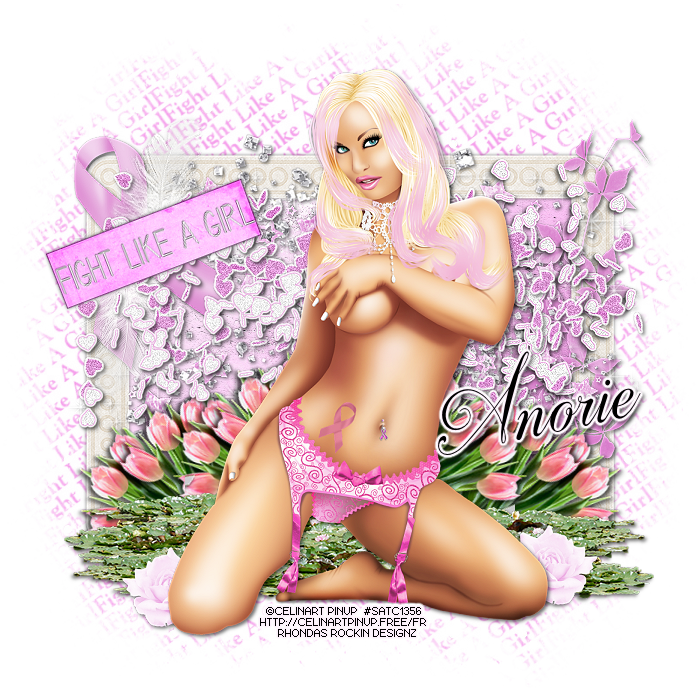
This tutorial is written for those with knowledge of PSP
Supplies Needed:
Tube of choice: I'm using the wonderful art work of Celinart Pinup
This tube was purchased at SATC which has closed
You can find her art now at different stores
FTU Scrapkit by Designs by Anorie HERE
Mask by Barbara HERE
Ok Lets get Started:
Resize elements to your liking
This is a very quick and easy tutorial
Open blank canvas 700x700
Open frame 2 and place in center
Click inside frame with magik wand
Selections modify expand by 10
Add new layer under frame and select all
Open paper 4 and paste into selections
Select none
Place your tube & build around it
Now time to add our elements
I used the following:
Element 1
Element 3
Element 14
Element 15
Element 18
Element 19
Element 20
Element 21
Element 23
Element 26
Element 28
Merge layers
Open paper of choice and apply mask
Place your name where you like it
Add the Copyright and your License Number for the tube
Resize to your liking and save as PNG
This tutorial was created on October 15,2016 by Rhonda
Any resemblance to another Tag or Tutorial is purely coincidental
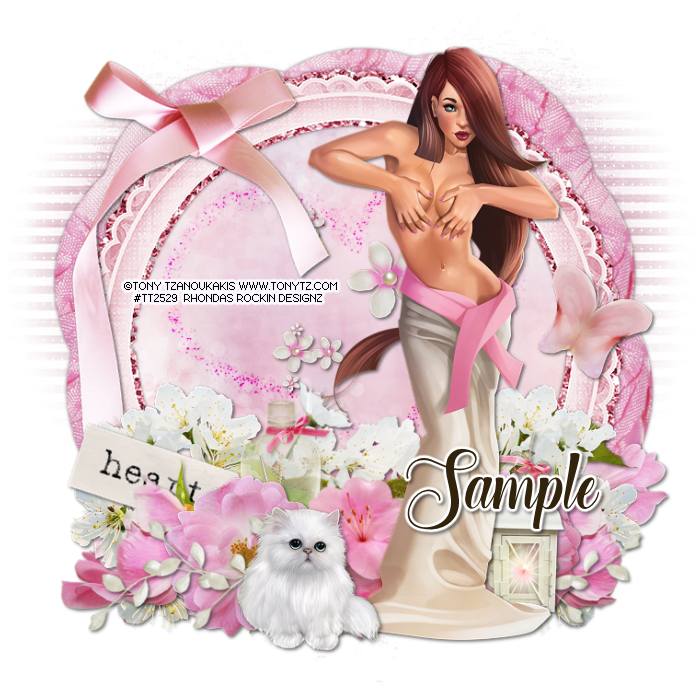
This tutorial is written for those with knowledge of PSP
Supplies Needed:
Tube of choice: I'm using the wonderful art work of Tony Tzanoukakis
You must obtain a license to use from his store HERE
PTU Scrapkit by Reineke Designs which was also purchased at Tony's store HERE
Can be bought separate or as a bundle
Mask of choice
Ok Lets get Started:
Resize elements to your liking
This is a very quick and easy tutorial
Open blank canvas 700x700
Open element 20 and place in center
Click inside frame with magik wand
Selections modify expand by 10
Add new layer under frame and select all
Open paper 10 and paste into selections
Select none
Place your tube & build around it
Now time to add our elements
I used the following:
Element 4
Element 5
Element 7
Element 9
Element 12
Element 13
Element 16
Element 18
Element 22
Element 23
Element 26
Element 27
Element 28
Element 29
Merge layers
Open paper of choice and apply mask
Place your name where you like it
Add the Copyright and your License Number for the tube
Resize to your liking and save as PNG
This tutorial was created on October 12,2016 by Rhonda
Any resemblance to another Tag or Tutorial is purely coincidental
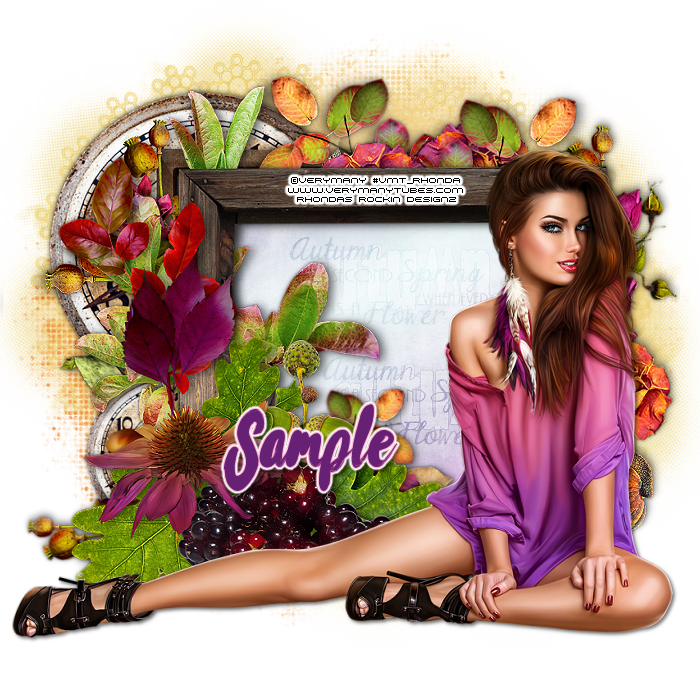
This tutorial is written for those with knowledge of PSP
Supplies Needed:
Tube of choice: I'm using the wonderful art work of VeryMany
You must obtain a license to use from their store HERE
FTU clusters from Escape From Reality HERE
Mask of choice
Word Art of choice (I forgot to ave where I got mine from)
Ok Lets get Started:
Resize elements to your liking
This is a very quick and easy tutorial
Open blank canvas 700x700
Open cluster 1 and place in center
Click inside frame with magik wand
Selections modify expand by 10
Add new layer under frame and select all
Open paper or solid color of choice and paste into selections
Select none
Use word art if desired (see my tag)
I used the other 2 clusters to decorate rest of tag
Use my tag as an example
Merge layers
Open paper of choice and apply mask
Place your name where you like it
Add the Copyright and your License Number for the tube
Resize to your liking and save as PNG
This tutorial was created on October 12,2016 by Rhonda
Any resemblance to another Tag or Tutorial is purely coincidental
Subscribe to:
Posts
(Atom)
Grab My Blinkie

I CT For



Blogs I Visit
























